QR Hive Tags
Print scannable tags for instant hive access
Overview
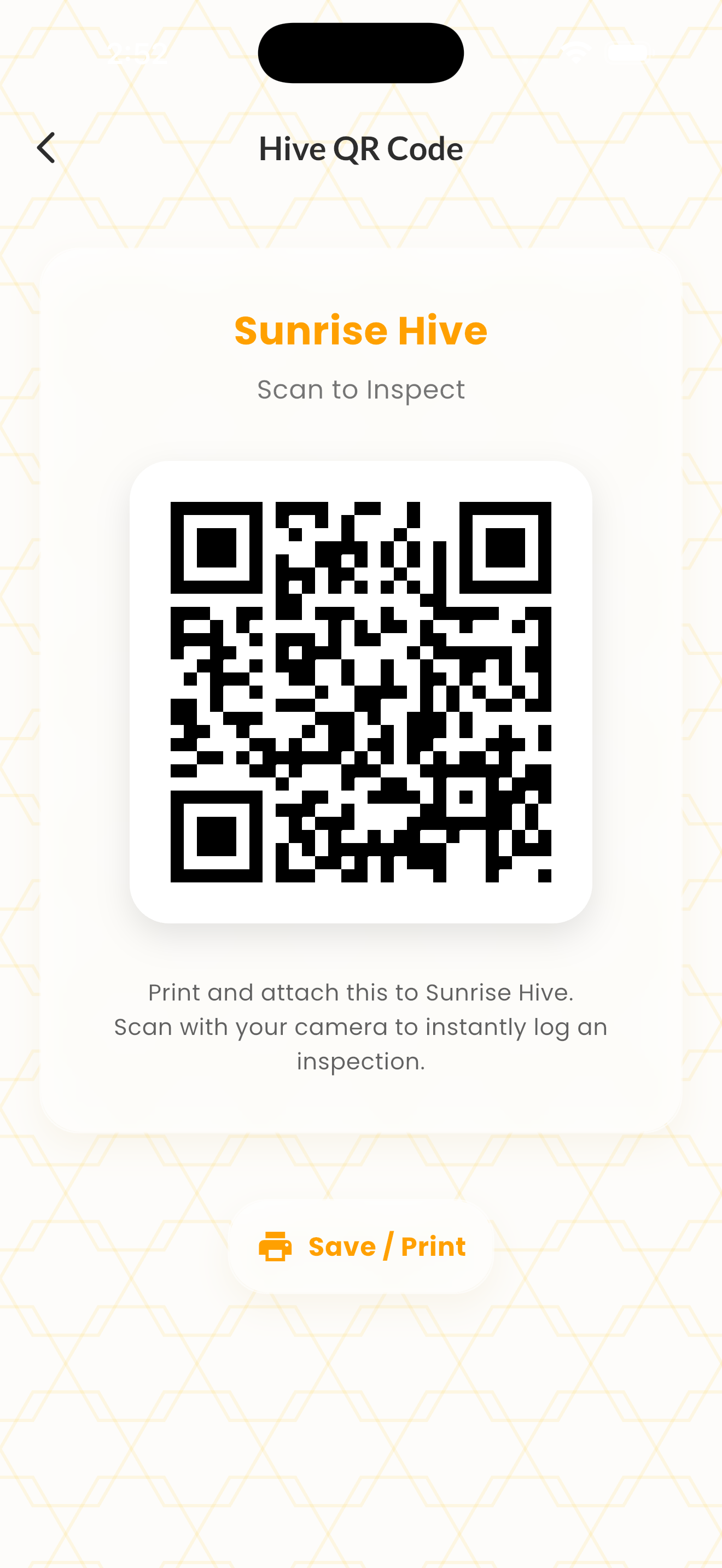
QR Hive Tags let you print scannable tags for each hive. Walk up to a hive, scan the tag with your phone camera, and instantly jump to that hive's detail page — no searching through lists.
Tags can be printed on weatherproof label stock and attached to the hive body. Each tag encodes a unique URL that opens directly in the Pocket Hive app (or web dashboard if the app isn't installed).
This is especially useful for operations with many hives or for shared apiaries where multiple beekeepers need quick access to the right hive record.
How It Works
Open any hive's detail page and tap the QR code icon in the top bar.
Print the tag on weatherproof adhesive stock.
Attach the tag to the hive body where it's visible.
Scan with any phone camera to jump directly to the hive in the app.
Tips & Best Practices
- 💡Use UV-resistant, waterproof label stock for outdoor durability.
- 💡Place tags on the side of the hive body (not the top or bottom).
- 💡Print multiple copies in case one gets damaged by weather or bees.